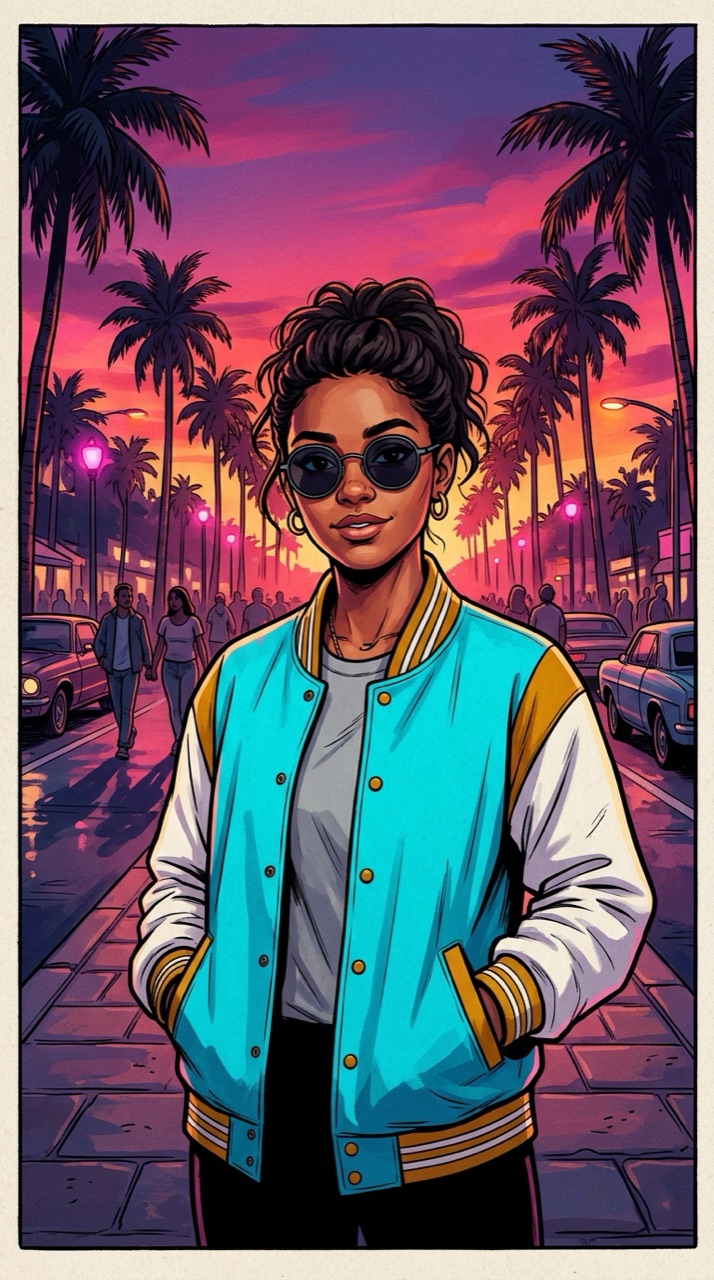
Neon Harbor Widescreen HUD
Classic 16:9 widescreen game loading screen template with bold uppercase chapter header and 24-segment HUD bar.
Open this template in the loading screen makerPick a pre-configured game HUD layout and open it straight in our browser-based loading screen maker—no empty template downloads or desktop software needed.
Classic 16:9 widescreen game loading screen template with bold uppercase chapter header and 24-segment HUD bar.
Open this template in the loading screen maker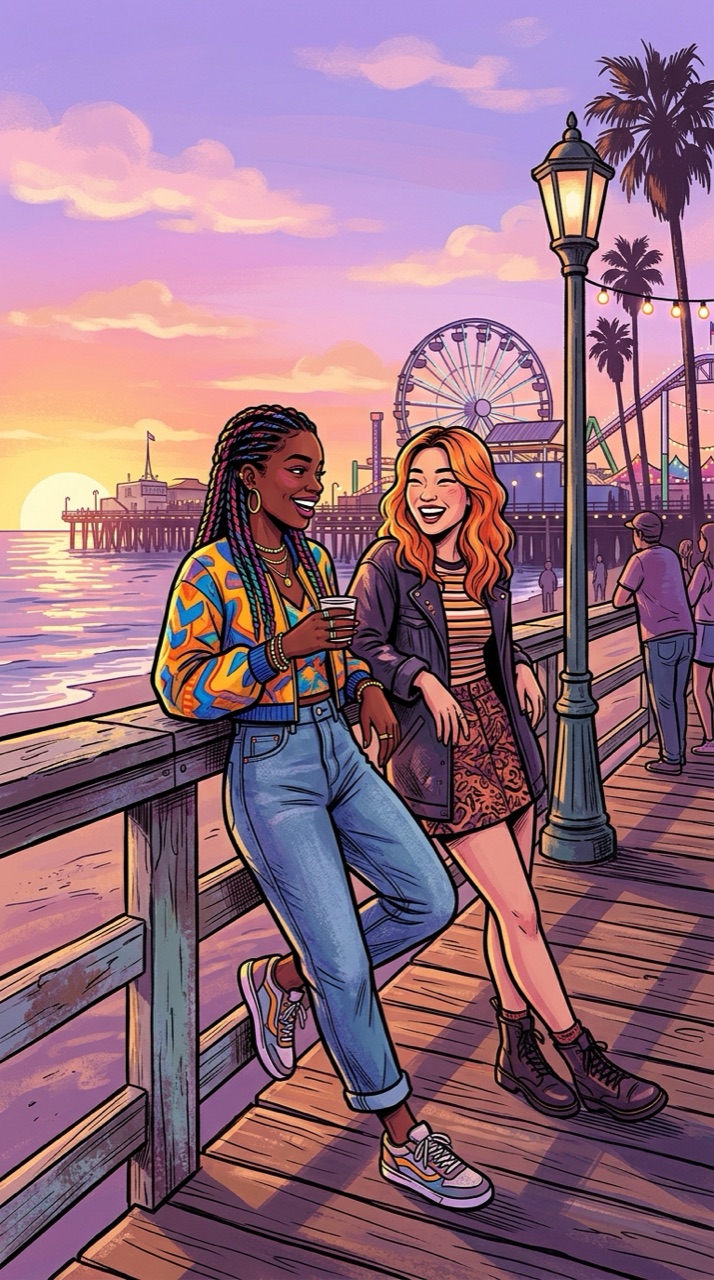
Warm sunset film tone tailored for co-op mission intros, duo creator thumbnails, and story chapter transitions.
Open this template in the loading screen maker
Subtle CRT scanlines and cyan tactical brackets built for Twitch starting-soon screens and OBS brb overlays.
Open this template in the loading screen maker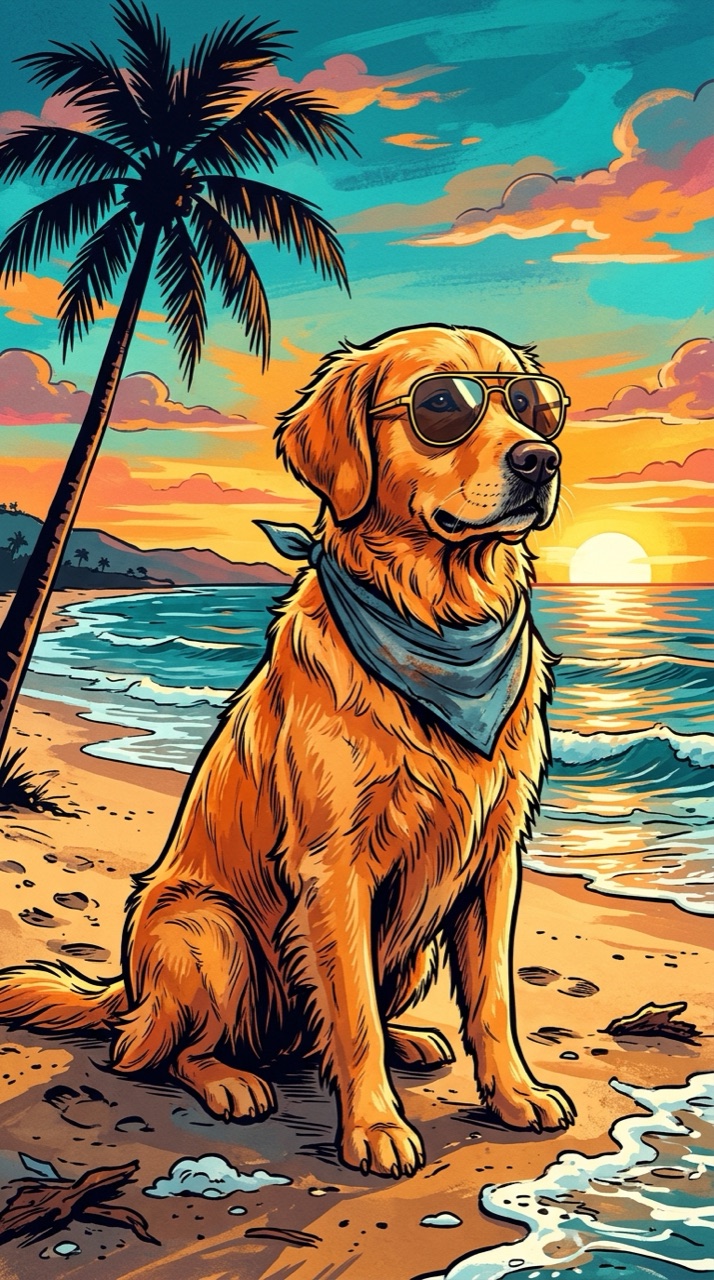
Playful character-focused widescreen card with punchy warm amber accents for comedy videos and indie mini-games.
Open this template in the loading screen maker
Zero color filter with a razor-thin bottom progress line so original concept art or screenshots shine untouched.
Open this template in the loading screen maker
Portrait 9:16 HUD framing designed for quick vertical video hooks with clear top title and bottom loading bar.
Open this template in the loading screen maker
Warm portrait preset made for turning pet photos into fun game-style loading intros in seconds.
Open this template in the loading screen maker
Compact 1080×1080 square HUD layout tailored for Discord server announcements, community posts, and square feeds.
Open this template in the loading screen maker
Neutral 1:1 frame with smooth gradient loading bar for showcasing original illustrations without altering colors.
Open this template in the loading screen makerUnlike traditional design marketplaces that make you download gigabytes of project files and install paid desktop editors, every loading screen template above is a live preset. Clicking a card launches our Loading Screen Maker with that exact aspect ratio, HUD border, visual filter, and progress bar style pre-selected.
Every preset automatically applies top and bottom contrast vignettes so white titles and bottom loading tips stay easy to read even over bright skies or busy backgrounds. If your artwork is already color-graded, switch the Visual Style dropdown to Clean Original (No Filter) after opening the template. Want step-by-step tips on HUD hierarchy, safe margins, and writing great loading tips? Read our game loading screen maker guide.
No. Every loading screen template on this page opens directly inside our browser-based generator with its aspect ratio, HUD style, and progress bar already pre-filled so you can swap the photo and export immediately.
Yes. Click any template to launch the workspace, then click Upload Photo to load your own JPG, PNG, or WebP image locally without uploading it to a server.
Pick one of the 16:9 widescreen templates for desktop games, OBS stream starting-soon scenes, and YouTube transitions. Use 9:16 for vertical clips or 1:1 for square community posts.
Yes. Opening a template simply pre-fills the controls—you can freely edit the main title, chapter subtitle, loading tip, bar style, status label, and video duration before exporting PNG or WebM.